

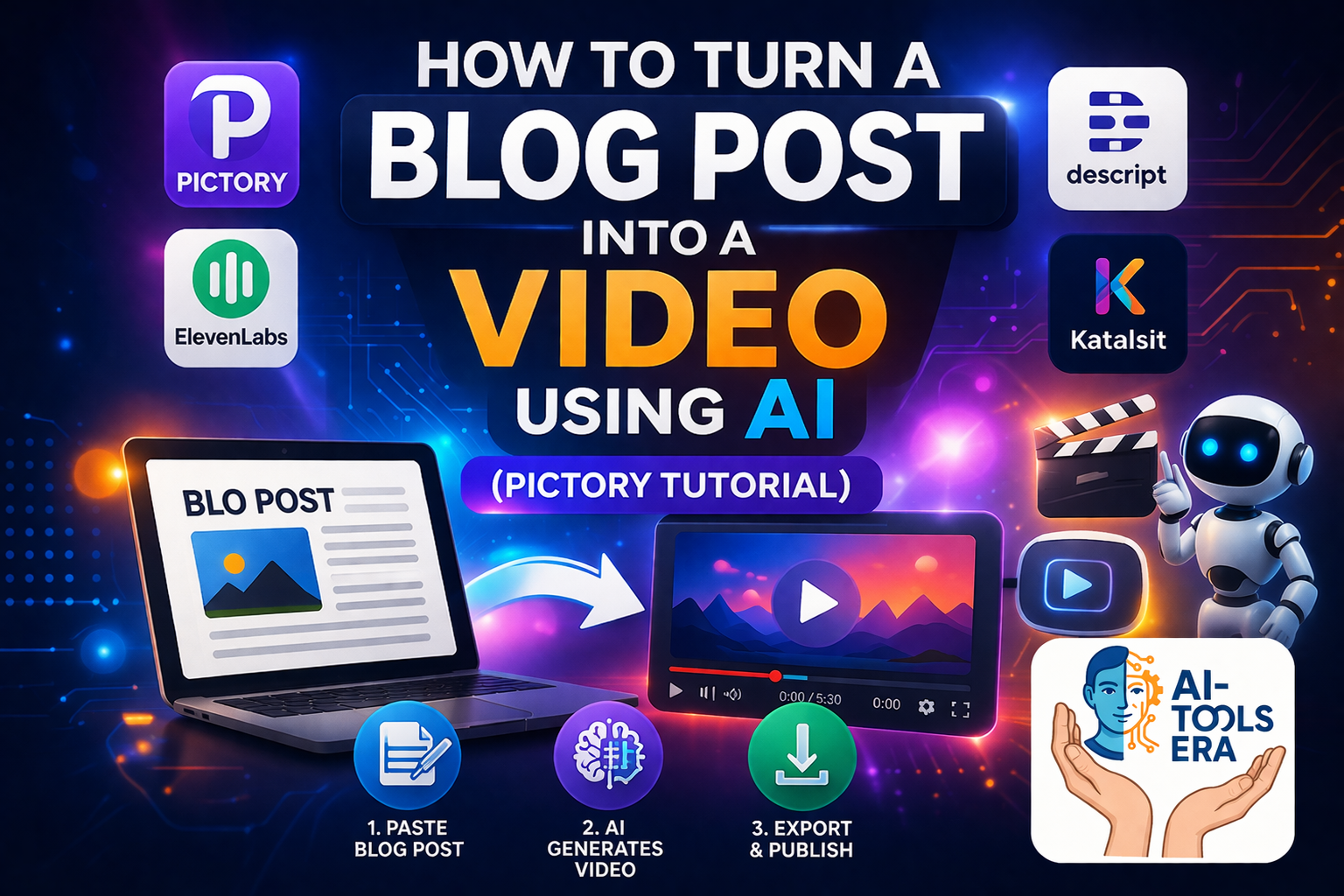
If you want to turn a blog post into a video using AI, this guide will show you the exact step-by-step process using Pictory AI. Instead of spending hours creating videos manually, you can use AI tools to convert blog content into engaging videos in minutes.
This method is part of AI video automation, where scripts, visuals, and voice are generated automatically.
What Does It Mean to Turn a Blog Post into a Video Using AI?
Turning a blog post into a video using AI means converting written content into video format using artificial intelligence tools. These tools generate scenes, visuals, captions, and voice narration automatically.
- Convert text into video scenes
- Add AI-generated visuals
- Generate captions automatically
- Create videos without editing skills
Why Use AI to Convert Blog Posts into Videos?
Using AI to convert blog posts into videos saves time and allows you to scale your content creation.
- No need for manual video editing
- Faster content production
- Reuse blog content for YouTube
- Beginner-friendly workflow
Step-by-Step: Turn Blog Post into Video Using AI
Step 1: Open Pictory AI
Start by opening Pictory AI.
Step 2: Choose “Script to Video”
Select the option to convert your script into a video.
Step 3: Paste Your Blog Content
Copy your blog post and paste it into the editor.
Step 4: AI Generates Video Scenes
Pictory automatically converts your content into video scenes with visuals and captions.
Step 5: Add Voice Narration
You can add AI voice using tools like ElevenLabs.
Step 6: Export Your Video
Once satisfied, export your video and publish it on YouTube or social media.
Best Tools to Turn Blog Posts into Videos Using AI
-
Pictory AI – Converts blog posts into videos automatically
Try Pictory -
ElevenLabs – AI voice narration
Try ElevenLabs -
Descript – Video editing using text
Try Descript
AI Video Automation Workflow
This process is part of a larger workflow.
View AI Video Automation Workflow
Use Cases
- YouTube videos
- Blog content repurposing
- Social media videos
- Educational content
Common Mistakes to Avoid
- Pasting unstructured blog content
- Not editing AI-generated scenes
- Using poor-quality voice narration
- Ignoring captions and readability
Conclusion
Learning how to turn a blog post into a video using AI can help you scale your content creation and reach a wider audience. Tools like Pictory AI make this process simple, fast, and beginner-friendly.
FAQs
Can I turn a blog post into a video using AI for free?
Some tools offer free trials, but advanced features may require paid plans.
Which is the best tool to convert blog posts into videos?
Pictory AI is one of the best tools for beginners.
Do I need editing skills?
No, AI tools automate most of the process.
Disclosure: This article contains affiliate links. I may earn a commission at no extra cost to you.