
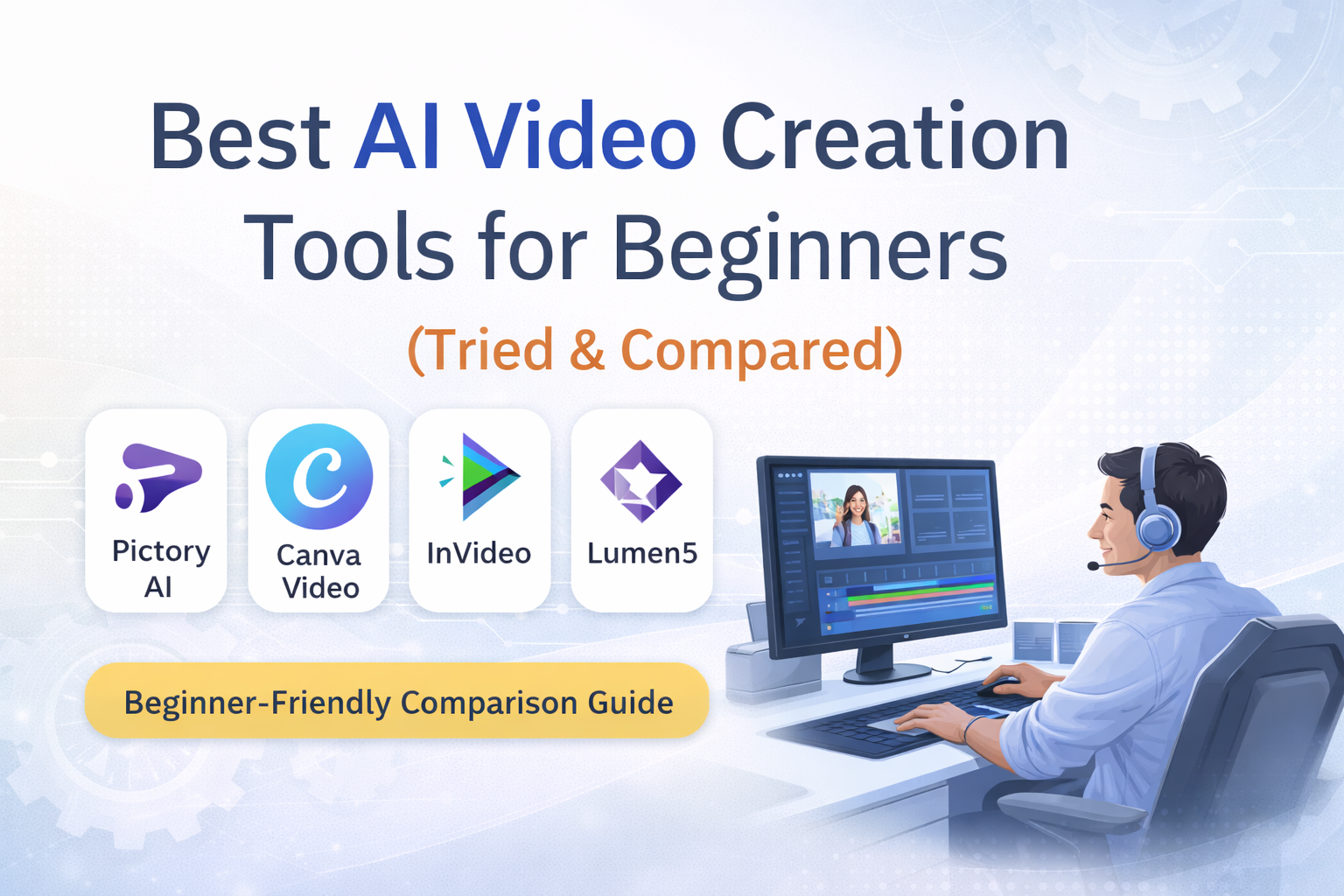
Creating videos with AI sounds exciting—until beginners actually try it. In this guide, we compare the best AI video creation tools for beginners based on ease of use, features, and real-world experience.
Most AI video tools promise speed and simplicity, yet many feel confusing, template-heavy, or designed for professionals rather than first-time users. As someone building content for beginners, I wanted to understand which tools truly make video creation easier without overwhelming users.
So I tested and compared some popular AI video creation tools from a beginner’s perspective—focusing on ease of use, learning curve, and real-world usefulness.
This guide shares what I found.
How I Evaluated These AI Video Tools
I compared tools based on what beginners actually care about:
- Ease of navigation
- Script-to-video workflow
- Template flexibility
- Learning curve
- Value at entry-level pricing
No advanced editing skills assumed.
🔍 AI Video Tools Comparison (Beginner-Focused)
👉 Paste the following as a Custom HTML block
| Feature | Pictory AI | Canva Video | InVideo | Lumen5 |
|---|---|---|---|---|
| Beginner-friendly interface | ✔️ | ✔️ | ⚠️ | ✔️ |
| Script to video automation | ✔️ | ❌ | ✔️ | ✔️ |
| Minimal learning curve | ✔️ | ✔️ | ⚠️ | ⚠️ |
| Voiceover & captions | ✔️ | ⚠️ | ✔️ | ✔️ |
| Best for beginners | ✔️ | ⚠️ | ⚠️ | ⚠️ |
✔️ = Strong
⚠️ = Usable but needs learning
❌ = Not suitable for beginners
Tool-by-Tool Overview
🟢 Pictory AI — Best Overall for Beginners
Pictory focuses on turning scripts or text into videos quickly. The interface is clean, navigation is intuitive, and beginners can create usable videos without prior editing experience.
What beginners like
- Simple workflow
- Script-to-video automation
- Built-in captions and voice options
One limitation
- Templates sometimes don’t perfectly match the content context
🟡 Canva Video — Best for Design-First Users
Canva works well for users who enjoy drag-and-drop design. However, it is not a true AI video automation tool.
Good for
- Social media clips
- Manual video design
Limitation
- No script-to-video automation
🟡 InVideo — More Control, Steeper Learning
InVideo offers flexibility but expects users to understand timelines and layout choices.
Good for
- Users willing to learn
- Custom edits
Limitation
- Not ideal for first-time beginners
🟡 Lumen5 — Simple but Limited
Lumen5 automates video creation but gives less creative control.
Good for
- Quick content videos
Limitation
- Limited customization
🧠 My Personal Experience (Beginner Perspective)
👉 Paste this as a Custom HTML block
I have been using the free version of Pictory AI for about two weeks. The tool is easy to navigate and largely self-explanatory, which makes it suitable for beginners. I especially appreciated how quickly text could be converted into usable video scenes.
One limitation I noticed is that some templates do not always match the context of the content perfectly. That said, the overall experience remains positive. I plan to update this review after spending more time with the Pro version.
⚡ Quick Verdict
👉 Paste as Custom HTML
- 🥇 Best AI video tool for beginners: Pictory AI
- 🥈 Best design-first tool: Canva Video
- 🥉 Best for flexibility: InVideo
💰 Pricing (High-Level Overview)
| Tool | Free Plan | Entry Pricing | Beginner Friendly |
|---|---|---|---|
| Pictory AI | Limited | Moderate | ✔️ |
| Canva Video | Yes | Low | ✔️ |
| InVideo | Limited | Moderate | ⚠️ |
| Lumen5 | Limited | Moderate | ⚠️ |
(Pricing may change—check official sites for latest details.)
🔗 Try Pictory AI (Recommended for Beginners)
If your goal is to turn text into videos quickly without technical complexity, Pictory AI offers the smoothest beginner experience I’ve tested so far.
👉 Try Pictory AI here:
(Affiliate link — using it helps support this site at no extra cost to you.)
❓ Frequently Asked Questions
Is Pictory AI good for beginners?
Yes. Its interface and automation make it beginner-friendly.
Can I use AI video tools for YouTube?
Yes. These tools work well for YouTube, shorts, and explainer videos.
Do I need video editing experience?
No. Most beginner tools focus on automation.
Final Thoughts
AI video creation doesn’t have to be complex. Beginners benefit most from tools that reduce decisions, simplify workflows, and let content come first.
From my experience, Pictory AI currently offers the most balanced starting point—simple enough to begin, yet powerful enough to grow with.
🔒 Affiliate Disclosure
This post contains affiliate links. If you choose to use them, I may earn a small commission at no extra cost to you