


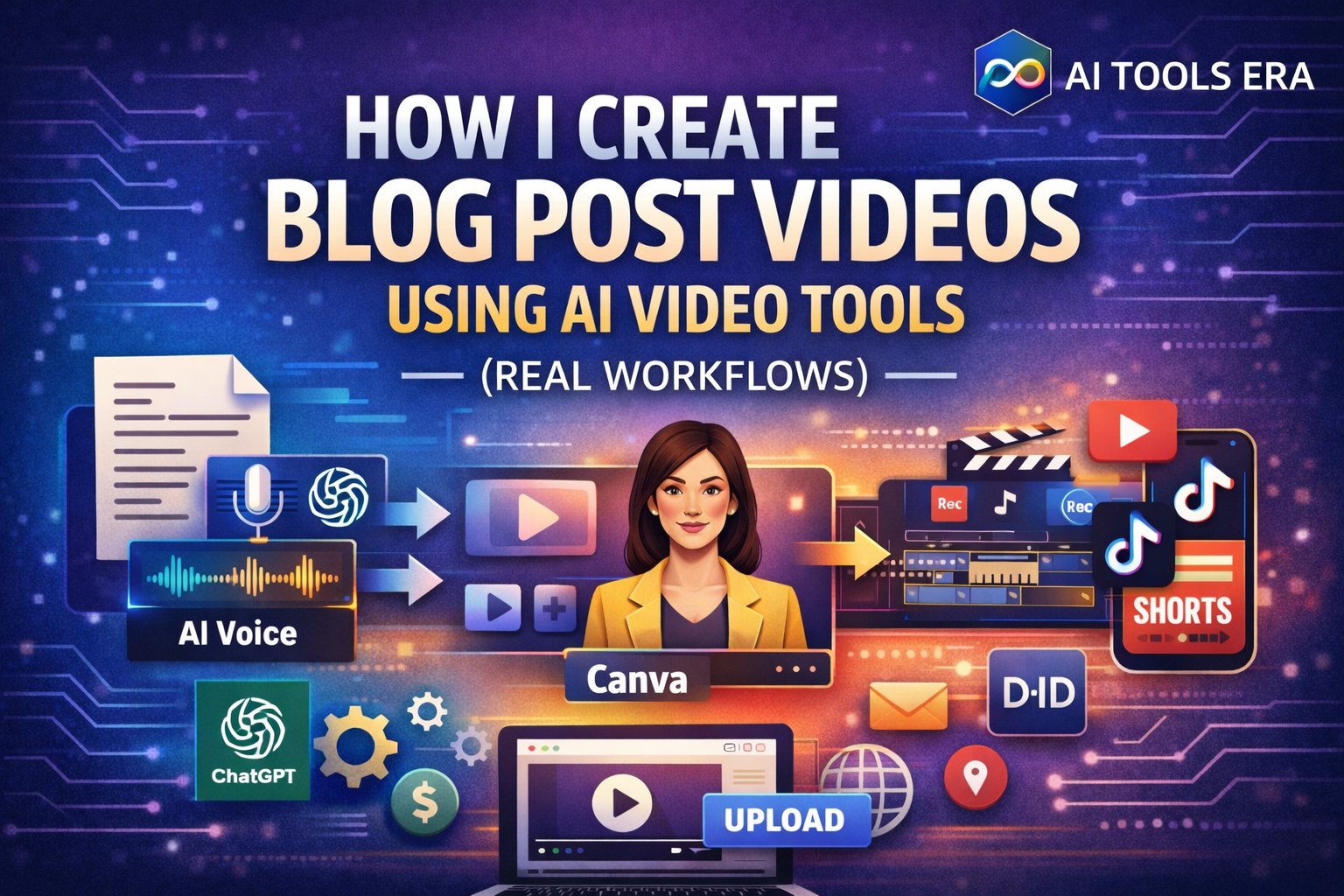
I am the creator of AI Tools Era, and in this post, I want to show you exactly how I convert my blog posts into videos using AI.
Not theory. Not “you can do this.”
But what I actually do, step by step.
All videos you see on this site are created using:
- ChatGPT (for scripts, prompts, lyrics, workflows)
- AI video tools
- Simple, repeatable systems
This post is part of my complete AI Video Automation framework.
Why I Started Turning Blog Posts into Videos
Writing a blog post once is good.
But turning that same content into:
- Videos
- Shorts
- Talking-head clips
- Animated explainers
…is how content scales.
I do this because:
- Video reaches people who never read blogs
- YouTube + Shorts bring long-term traffic
- AI makes this possible without a production team
My Core Rule: ChatGPT Is the Brain, Tools Are the Hands
Before we go into Blog Post Videos Using AI workflows, understand this clearly:
ChatGPT does ALL thinking work.
Tools only execute.
For every workflow below, ChatGPT is used for:
- Script writing
- Image prompts
- Lyrics creation
- Voice text preparation
- Workflow planning
This keeps everything consistent and fast.
Workflow 1: Blog Post → Image Flow Video (Pictory)
This is my most used beginner workflow.
What This Workflow Is Best For
- Explainer videos
- Educational content
- Blog summaries
- YouTube + Facebook videos
Step-by-Step: What I Actually Do
Take a published blog post
I copy the main sections (headings + key points).
Generate a video script with ChatGPT
I ask ChatGPT to:
- Summarize the post into a 60–90 sec script
- Keep sentences short
- Make it voice-friendly
Generate image prompts using ChatGPT
For each section, I ask ChatGPT for:
- One clear image prompt
- No text in images
- Visual storytelling
Try ChatGPT or CustomGPT
Step 4: Create Image Flow Video in Pictory
- Upload images
- Add script text
- Use image-to-image transitions
- Add background music (optional)
Step 5: Export video
- Horizontal for YouTube
- Vertical copy for Shorts if needed
I use Pictory to create image flow videos because it’s beginner-friendly and fast.
Try
Pictory for AI video creation
Workflow 2: Blog Post → Animated Images with Script (Pictory)
This workflow is similar to the first, but more dynamic.
Best For
- Shorts & Reels
- Attention-grabbing explainers
- Social media videos
My Process
- Blog → summarized script (ChatGPT)
- Image prompts → generated via ChatGPT
- Images uploaded to Canva
- Each image animated separately
- Script timed scene by scene
- Auto captions added
This keeps viewers engaged longer than static images.
👉 Enjoy the animated Pictory video here
Try Pictory for AI Animated Images video creation
Workflow 3: Blog Post → Lip Sync Talking Photo Video (D-ID)
This is where personal branding comes in.
Best For
- Authority building
- Explaining complex topics
- Creator trust
Step-by-Step: My Real Method
Script creation (ChatGPT)
- Conversational tone
- Short paragraphs
- Natural pauses
Voice preparation
- Either text-to-speech
- Or recorded voice
Talking photo video (D-ID)
- Upload one photo
- Paste script
- Generate lip-sync video
No camera. No studio.
For talking-photo videos, I use D-ID because it produces natural lip-sync results.
Workflow 4: Blog Post → Animated Video with AI Song Maker
This workflow is powerful for:
- Devotional content
- Motivational videos
- Emotional storytelling
How I Do It
Lyrics or script (ChatGPT)
I ask ChatGPT to:
- Convert the blog idea into lyrics or rhythmic text
- Keep it simple and emotional
Voice or song generation
- AI song maker
- Or text-to-speech with music
Animated visuals
- Canva or animation tool
- Sync visuals to music
I use AI song maker tools to turn written content into emotional video formats. Try It
Tools I Use Across All Workflows
- ChatGPT – scripts, prompts, workflows
- Pictory – image flow & animated videos
- D-ID – lip sync talking photo videos
- AI song maker tools – lyrics to music
Why These Workflows Actually Work
- One blog → multiple video formats
- No repeated thinking
- No burnout
- Maximum reuse
This is how solo creators compete with teams