
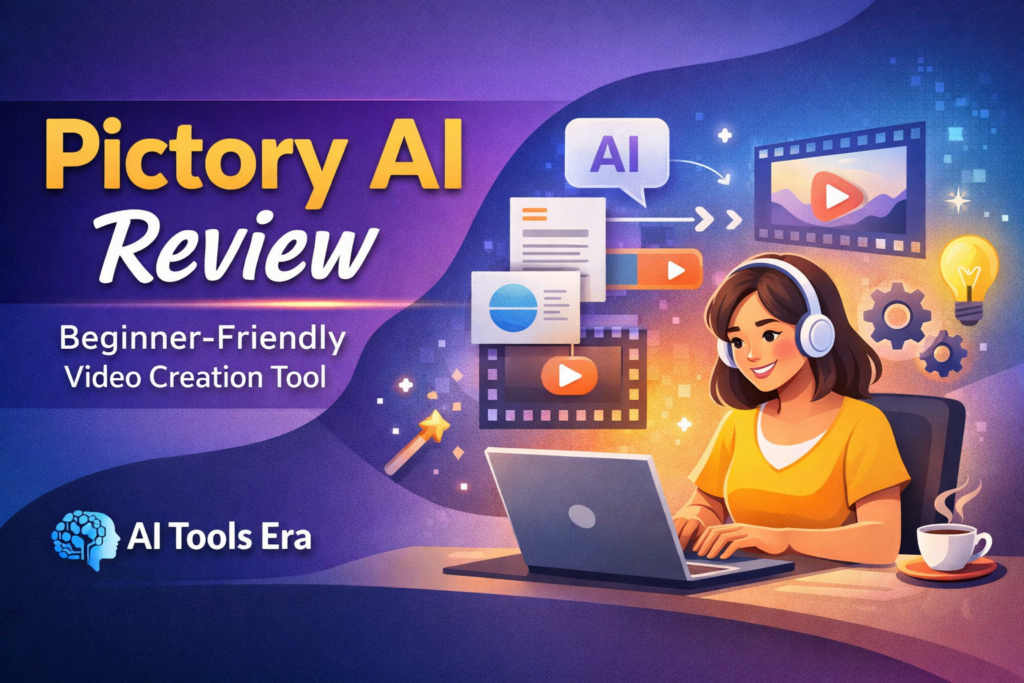
Creating videos can feel overwhelming for beginners. Traditional video editing often requires technical skills, time, and expensive software. This is where AI-powered video tools like Pictory AI aim to simplify the process.
In this review, we’ll look at what Pictory AI does, who it’s best for, and how it compares with similar tools—all in a clear, beginner-friendly way.
What Is Pictory AI?
Pictory AI is an AI-based video creation tool that helps users turn text into videos. Instead of manually editing clips, users provide written content, and Pictory AI automatically creates a video using visuals, captions, and scene transitions.
It is designed for people who want functional, clean videos rather than complex cinematic edits.
Why Pictory AI Works Well for Beginners
Pictory AI focuses on simplicity and automation. This makes it especially suitable for beginners who want results without a steep learning curve.
Key beginner-friendly benefits:
- No prior video-editing skills required
- Clean and guided interface
- Automates scene creation and captions
- Saves time on repetitive editing tasks
- Supports both desktop and mobile video formats
Key Features Explained Simply
- Script to Video
Turn a written script into a complete video with scenes and visuals. - Text to Video
Convert short text or summaries into quick videos for social platforms. - Blog to Video
Repurpose blog posts into videos without rewriting content. - Automatic Captions
Improves accessibility and viewer engagement. - Multiple Aspect Ratios
Supports 16:9 (landscape) and 9:16 (vertical) formats.
Pros and Cons of Pictory AI
✅ Pros
- Very easy for beginners
- Fast video creation
- Ideal for bloggers and educators
- Good for repurposing written content
⚠️ Cons
- Limited manual editing control
- Not suitable for advanced video professionals
- Best results require narration
Pictory AI review
👉 Try Pictory AI here:
Pictory AI vs Similar AI Video Tools
The table below compares Pictory AI with other popular AI video tools. This helps beginners understand how each tool differs in ease of use and control.
| Tool | Best For | Ease of Use | Editing Control |
|---|---|---|---|
| Pictory AI | Beginners, bloggers, educators | ⭐⭐⭐⭐⭐ | ⭐⭐ |
| InVideo | Template-based videos | ⭐⭐⭐⭐ | ⭐⭐⭐ |
| Lumen5 | Social media content | ⭐⭐⭐⭐ | ⭐⭐ |
| Canva Video | Design-focused creators | ⭐⭐⭐⭐ | ⭐⭐⭐ |
Quick Review Summary
- Pictory AI focuses on automation and simplicity, making it ideal for beginners.
- InVideo and Canva provide more manual control but require extra learning.
- Lumen5 works well for short social videos but offers limited customization.
Want a beginner-friendly way to turn text into videos?
Try Pictory AI here →
What Users Say About Pictory AI
Below are real impressions from users and creators who use Pictory AI for beginner-friendly video creation.
“Pictory AI makes video creation simple, especially for users with no editing background.”
“It helped me turn blog content into videos without spending hours editing.”
“The automation works well for explainer and educational videos.”
My Experience Using Pictory AI
I have been using the Pictory AI trial version for the past two weeks. My first impression is that the tool is easy to use and largely self-explanatory. Even as a beginner, I was able to create videos without needing any prior video-editing experience.
One area I felt could be improved is the selection of templates. At times, the automatically chosen templates did not fully match the content or tone of the script. This may require small manual adjustments depending on the type of video being created.
This is an early review based on initial usage. I plan to share a more detailed opinion after spending additional time exploring the platform and its features.
Who Should Use Pictory AI?
Pictory AI is ideal for:
- Bloggers adding video content
- Beginners starting YouTube or Reels
- Educators creating explainer videos
- Solo creators with limited time
Who Should Avoid Pictory AI?
This tool may not suit:
- Professional video editors
- Users needing full timeline control
- Cinematic or high-end production needs
Pricing Overview
Pictory AI offers multiple plans depending on features and usage. Pricing may change, so always check the official website for the latest details.
👉 View current Pictory AI plans:
Final Verdict
Pictory AI is a practical AI video tool for beginners who want simple, clean videos without technical complexity. It focuses on speed, clarity, and ease of use—making it a strong choice for bloggers and educators starting with video content.
🔒 Affiliate Disclosure
Some links on this page are affiliate links. If you choose to purchase through them, I may earn a small commission at no additional cost to you. This helps support AI Tools Era and allows me to continue creating beginner-friendly AI content.