





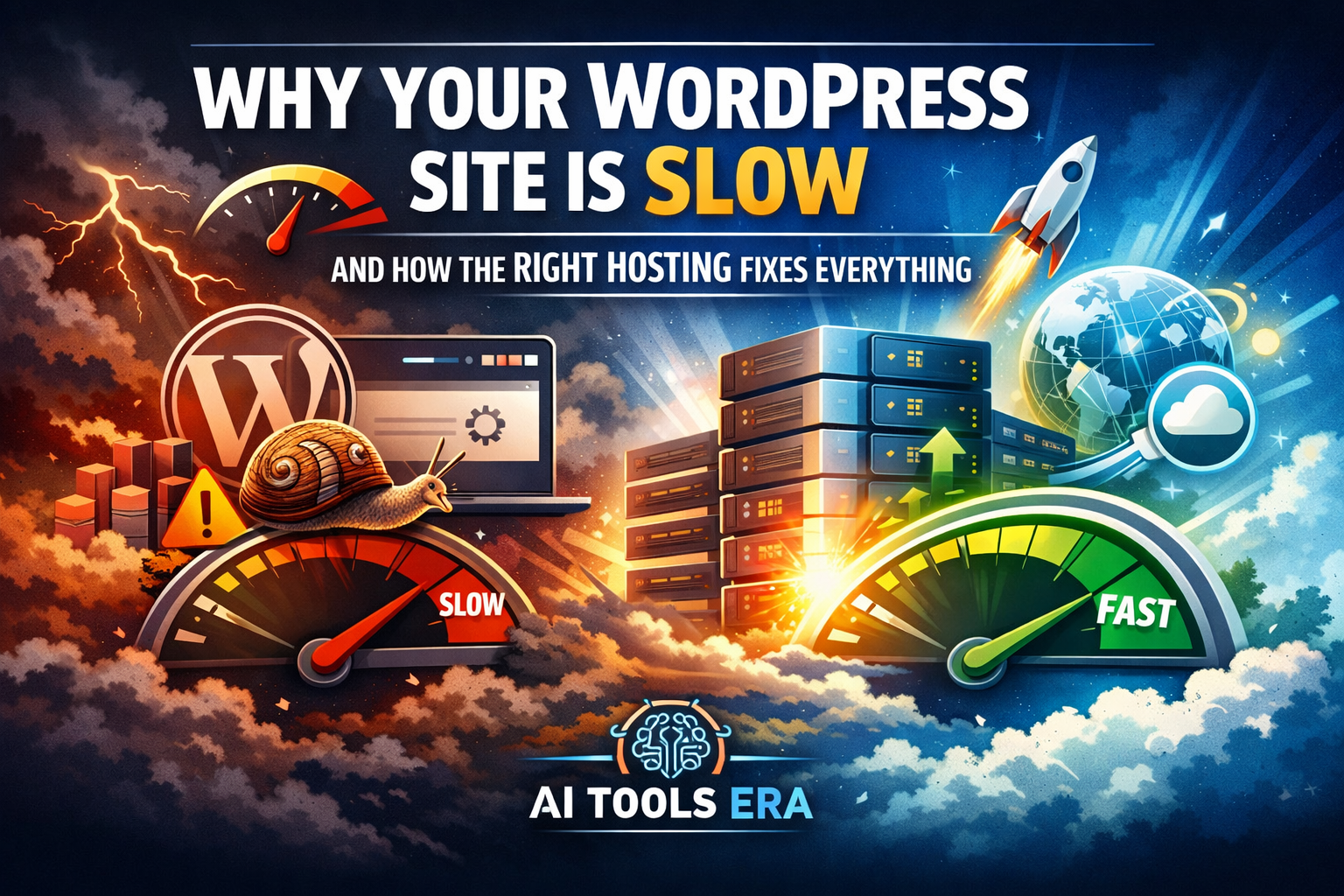
A slow WordPress website is not just frustrating — it silently kills rankings, traffic, and revenue. Investigate Why Your WordPress Site Is Slow & learn How the Right Hosting Fixes Everything
In 2026, WordPress speed directly affects:
- Google rankings and Core Web Vitals
- Visibility in AI-powered search results
- Affiliate conversions and Why Your WordPress Site Is Slow revenue
- User trust and engagement
- Mobile-first performance
Yet most site owners try to fix speed problems from the top down — themes, plugins, images — instead of fixing the foundation.
👉 The foundation is hosting.
This guide explains why WordPress sites are slow, how hosting controls performance, and what kind of hosting actually fixes the problem.
.
The Core Truth Most Blogs Won’t Tell You
Before we go deeper, understand this:
You cannot optimize your way out of bad hosting.
If your hosting is weak:
- Speed plugins only mask problems
- Rankings fluctuate
- Performance breaks under traffic
This is why many WordPress sites stay slow despite endless optimization.
The Real Reasons Your WordPress Site Is Slow
Cheap Shared Hosting (Primary Cause)
Most beginner WordPress sites run on low-cost shared hosting.
This means:
- Hundreds of websites share the same CPU and RAM
- Traffic spikes from other sites slow yours
- No resource isolation
Even a lightweight site becomes slow.
🔹 This is where most speed problems begin.
👉 If your site is on entry-level shared hosting, no plugin will fully fix it.
Recommended next step:
Read our detailed comparison here:
👉 Best WordPress Hosting for Bloggers (2026)
Slow Server Response Time (TTFB)
Time To First Byte depends almost entirely on hosting quality.
Poor hosting causes:
- Slow PHP execution
- Overloaded CPUs
- Delayed database queries
Google treats slow TTFB as poor user experience.
🔹 Upgrading hosting alone often cuts TTFB by 40–60%.
No Server-Level Caching
Most cheap hosts rely only on plugins.
But real performance comes from:
- Server-side page caching
- Object caching (Redis)
- PHP OPcache
Without these, WordPress rebuilds pages repeatedly.
🔹 Modern hosting includes these by default.
Outdated PHP and Databases
Many hosts still run:
- PHP 7.2 / 7.3
- Poorly optimized MySQL
Modern WordPress and AI plugins require:
- PHP 8.1+
- Optimized MariaDB or MySQL
🔹 Newer PHP versions alone can improve speed by 20–30%.
Wrong Server Location
Distance matters.
If your audience is in India but your server is in the US:
- Higher latency
- Slower mobile experience
- Lower conversions
🔹 Quality hosts offer multiple data center locations or global CDN integration.
Why Themes and Plugins Are NOT the Root Problem
Here’s an industry truth:
- Good hosting handles 20–30 plugins easily
- Bad hosting struggles with 5 plugins
Hosting defines the speed ceiling.
Everything else is secondary.
How the Right Hosting Fixes WordPress Speed
Dedicated & Isolated Resources
High-quality WordPress hosting provides:
- Guaranteed CPU and RAM
- Container-based isolation
- Stable performance during traffic spikes
🔹 This alone eliminates random slowdowns.
Built-In Performance Stack
Modern WordPress hosting includes:
- NGINX or LiteSpeed servers
- Server-level caching
- Redis object caching
- Compression and CDN
🔹 Fewer plugins. Fewer conflicts. Better speed.
Optimized for Core Web Vitals
Hosting directly impacts:
- LCP (load speed)
- INP (interaction speed)
- CLS (visual stability)
🔹 Better hosting = better SEO signals automatically.
Hosting Types Explained (And What You Should Choose)
Shared Hosting
Cheap but performance-limited.
❌ Not suitable for serious blogs.
VPS Hosting
Better performance but technical.
⚠️ Requires management.
Cloud Hosting
Scalable, fast, reliable.
✅ Ideal for growing AI & affiliate sites.
Managed WordPress Hosting
WordPress-optimized, beginner-friendly.
✅ Best balance of speed + simplicity.
👉 For AI Tools Era–style websites, cloud or managed WordPress hosting is the correct choice.
Recommended Hosting Direction (Soft CTA)
If your WordPress site is slow right now, the fastest improvement comes from switching hosting.
We’ve tested and compared hosting providers based on:
- Speed benchmarks
- Core Web Vitals
- Affiliate site performance
- AI-plugin compatibility
👉 See our updated recommendations here:
https://ai-tools-era.com/best-wordpress-hosting-for-bloggers
(This guide compares cloud, managed, and budget-safe options.)
When You Should Upgrade Hosting Immediately
Upgrade if:
- Your site takes more than 3 seconds to load
- Rankings fluctuate without content changes
- Speed plugins no longer help
- Traffic spikes cause slowdowns
🔹 Delaying hosting upgrades costs more in lost traffic than the upgrade itself.
Final Verdict (Money-Page Bridge)
WordPress speed problems are rarely about themes or plugins.
They are almost always about hosting limitations.
If your site feels slow, unstable, or unpredictable:
- Stop stacking plugins
- Stop switching themes
- Fix the foundation
👉 Better hosting is the single highest-ROI upgrade you can make.
FAQ – WordPress Speed & Hosting
Does hosting really affect WordPress speed?
Yes. Hosting controls server response time, caching, and resource availability.
Can changing hosting alone improve performance?
Yes. Many sites see 40–70% improvement without other changes.
Is managed WordPress hosting worth it?
For bloggers and affiliate marketers, absolutely.
What hosting is best for AI tools blogs?
Cloud or managed WordPress hosting with modern PHP, caching, and CDN.
Final Strategic Note (Important for You)
This page should:
- Internally link to your Best Hosting page
- Rank for informational keywords
- Feed trust to your money pages
Your actual “money page” should be:
- Best WordPress Hosting for Bloggers (2026)
- Cloud vs Managed WordPress Hosting